Societies and groups
The organiser books the group and each golfer pays their own share.
Tee sheet
App, website and pro shop bookings land on the same sheet the moment they are made.
Website booking
The booking page sits on your own website, in your colours. Visitors pay by card, Apple Pay or Google Pay before they arrive.

Booking rules
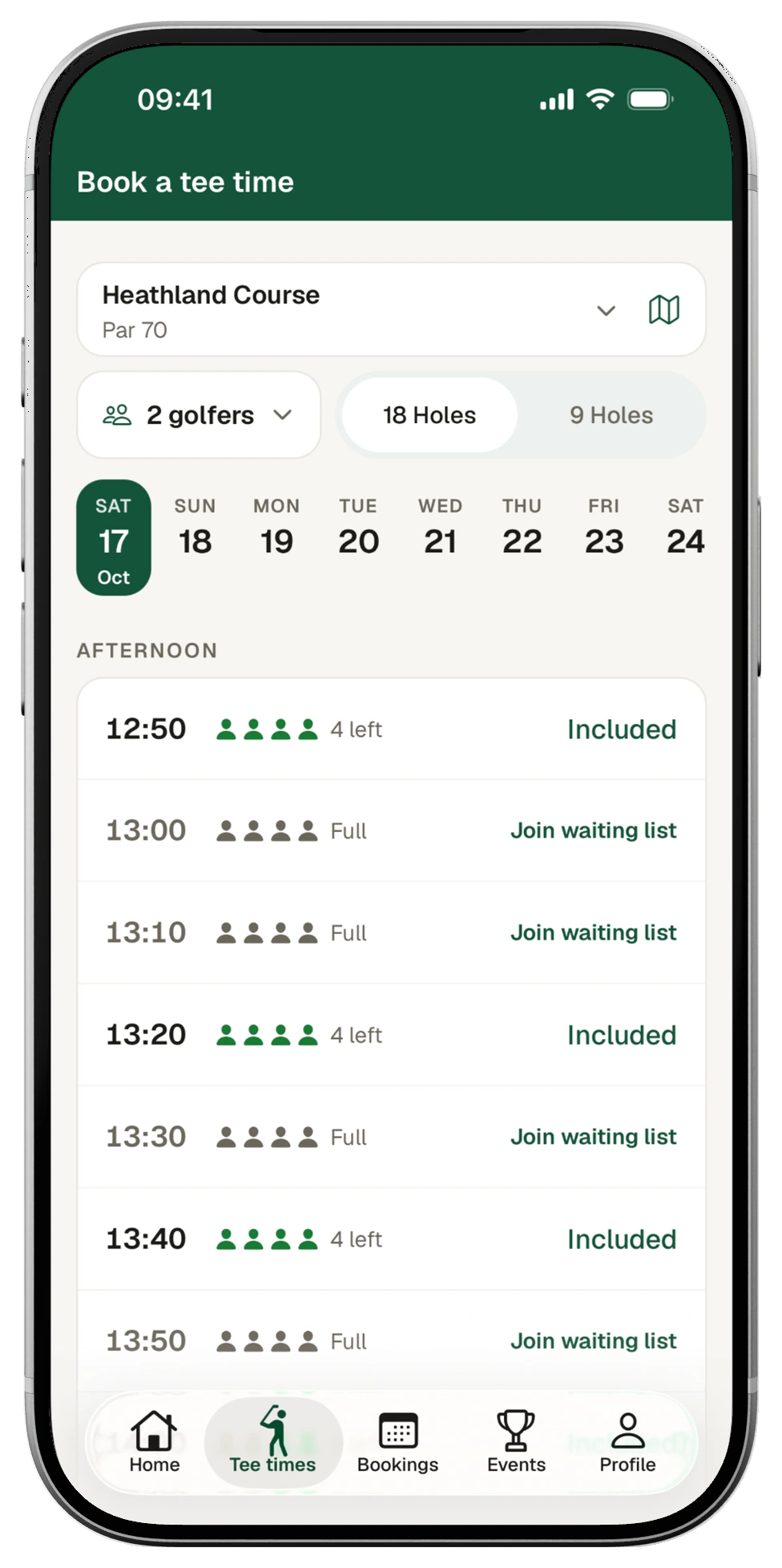
The app, your website and the desk all follow the same rules. You can also hold times for members only.
Green fees
Price by day, time and season, with separate rates for members, visitors and juniors.
On the day
The organiser books the group and each golfer pays their own share.
When a place comes free, the next golfer on the list is told.
Golfers add a buggy or club hire as they book, paid with the green fee.

Staff check each golfer in from the sheet as they arrive.
Course closures
Refund or move each booking from one list, so nobody rings round.
Added by name, guest fee paid as they book.
Staff book a walk-in and take payment on the spot.
Intervals and hours set per course.
For competitions, societies or the greenkeepers.
Inside your cut-off, and the old time goes back on sale.
The first golfer to pick a time holds it for 10 minutes while they pay.
Yes. Members sign in on the website or use the app and see member rates, with included rounds marked Included.
Yes. Hold times for members only. Each category also has its own booking window, so full members book further ahead.
Yes. Every booking on the sheet shows where it came from: the app, your website or the pro shop.
No. Staff book any golfer from the dashboard onto the same sheet, and choose pay on arrival or a payment link.
Yes. Add a junior rate next to your member and visitor prices, set by day, time and season.


